奥州市
 奥州市, জাপান
Real-Time Environment
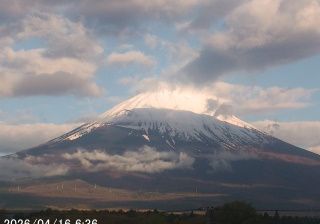
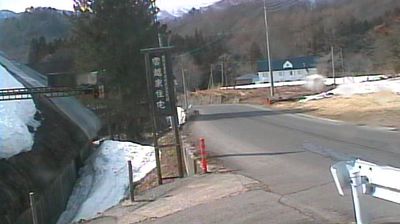
Welcome to the live streaming webcam for 奥州市, perfectly situated in the vibrant region of 奥州市, জাপান. Watching this live camera allows you to instantly experience the local atmosphere and monitor current climate conditions.

About Ōshū, Iwate
Ōshū is a city located in Iwate Prefecture, Japan. As of 30 April 2020, the city had an estimated population of 114,620 and a population density of 120 persons per km2 in 45,728 households. The total area of the city is 993.30 square kilometres (383.52 sq mi). Ōshū is famous for its Maesawa Beef, numerous festivals, historic temples and shrines and Fujiwara no Sato, a theme park and movie lot based on the exploits of the Northern Fujiwaras in the 12th century. Many famous people claim Ōshū as their home, including Los Angeles Dodgers baseball player Shohei Ohtani and Ichiro Ozawa, the long-time leader of the Democratic Party of Japan.
📖 Read more on Wikipedia📍 Location Facts
-
Country
 জাপান
জাপান
- Region 岩手県
- City 奥州市
- Coordinates 39.0943°N, 141.1832°E
Have you been to 奥州市?
Help the community! Share your experience, tell us about the weather, or upload your own photos from this exact location.