千歳市: New - Airport - Hokkaido, Japan
 千歳市, জাপান
Real-Time Environment
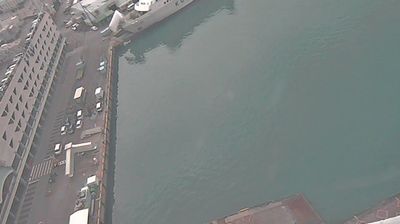
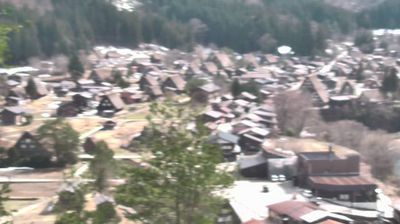
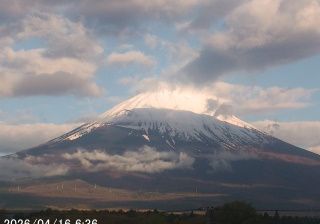
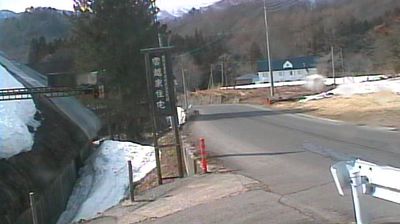
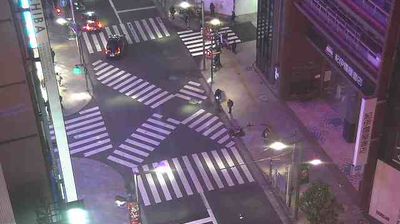
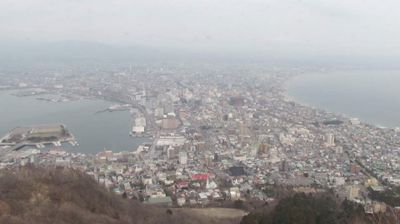
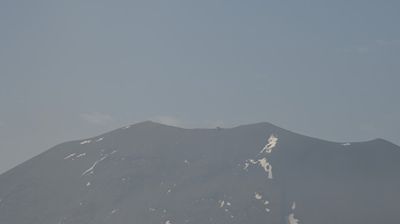
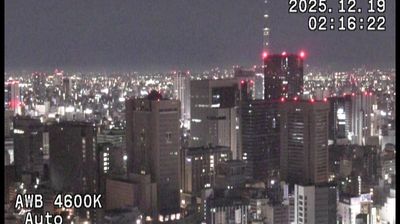
Welcome to the live streaming webcam for 千歳市: New - Airport - Hokkaido, Japan, perfectly situated in the vibrant region of 千歳市, জাপান. Watching this live camera allows you to instantly experience the local atmosphere and monitor current climate conditions.

About Chitose, Hokkaido
Chitose is a city located in Ishikari Subprefecture, Hokkaido, Japan, and home to the New Chitose Airport, the biggest international airport in Hokkaido and closest airport to Sapporo, as well as the neighboring Chitose Air Base. As of February 1, 2024, the city had an estimated population of 97,919, with 52,196 households, and a population density of 165 persons per km2. The total area is 594.50 km2. The city was founded on July 1, 1958. The city is notable for having a Peace Pagoda, built by the Japanese Buddhist order Nipponzan Myohoji in 1978.
📖 Read more on Wikipedia📍 Location Facts
-
Country
 জাপান
জাপান
- Region 北海道
- City 千歳市
- Coordinates 42.7752°N, 141.6923°E
Have you been to 千歳市?
Help the community! Share your experience, tell us about the weather, or upload your own photos from this exact location.